

Lead Types
Smokeball comes with a range of pre-configured lead matter types for different areas of law. These are provided by Smokeball’s internal content team and are not user editable. A lead matter type is used to assign the lead being created to a relevant area of law and state / location.The matter types used when creating a ‘Lead’ are different from the one’s used to create a ‘Matter’.
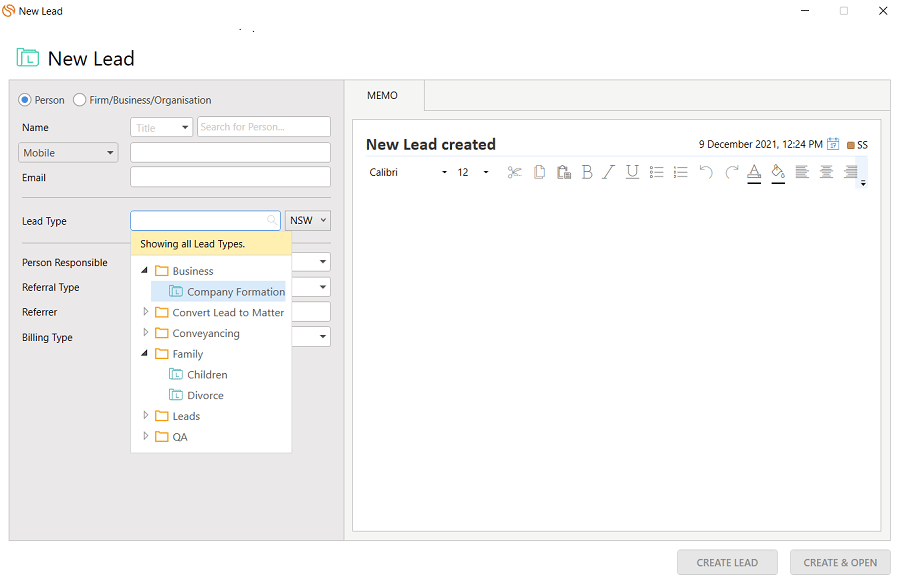
Getting a Lead Matter Type
Here the important information to note is theidandrepresentativeOptionsof the lead matter type. We’ll need those when creating a lead.
Contacts
In order to successfully create a lead, we’re going to need to provide a contact that is the potential client. In Smokeball’s desktop app you can create a contact as a Person, Firm/Business/Organization or Trust. Currently, the API supports the following contact types:- Person
- Company
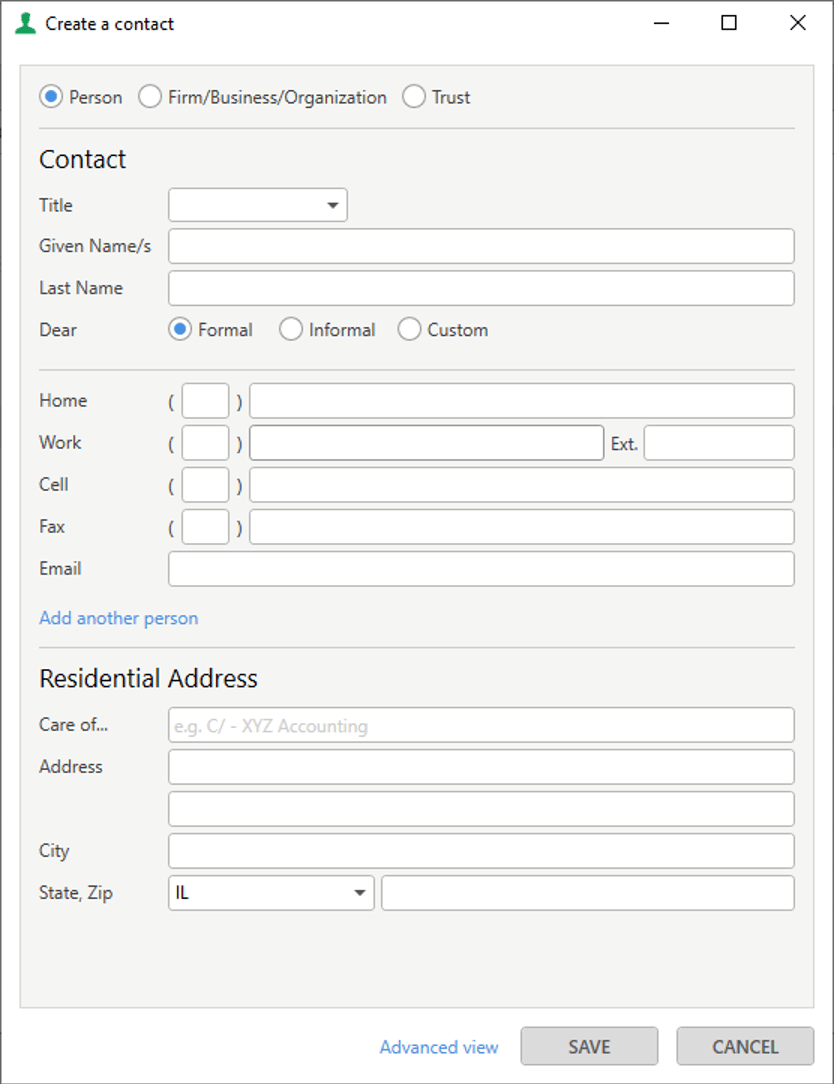
Creating a Contact
To create a contact you can make the following request which would create a person called ‘Test Contact’.id returned in the response, we’ll need that when creating a lead.
Alternatively, if the contact already exists in Smokeball, you can query it to find it’s id.
Tip
When creating a contact you can pass in an externalSystemId if you want to store your own reference id with this contact.
Staff
In Smokeball, staff can be assigned to a lead as the Attorney Responsible or the Person Assisting. The lead list can then be filtered by Attorney responsible, etc.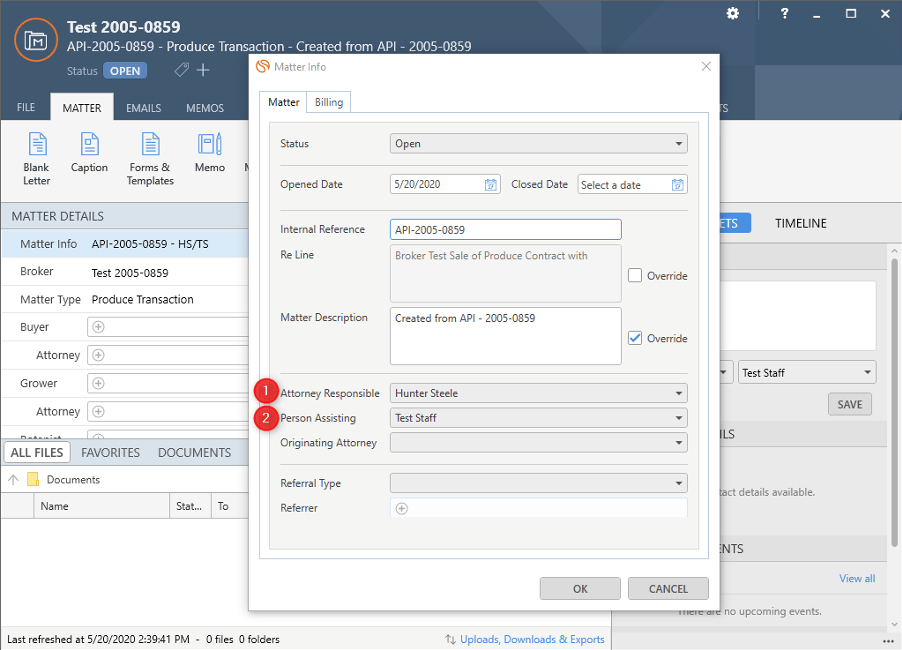
Creating a lead
Now we have everything we need to create a lead.string
required
Bearer token for user authentication.
Format:
Bearer YOUR_ACCESS_TOKENstring
required
Must be
application/json for this endpoint.string
required
The lead type identifier.Example:
8aca3574-aecb-4a6f-991d-680861bece1d_IL (the id we found earlier).array[string]
required
Contact Ids associated with the lead.
Minimum: 1 client required.Example:
["9a9ce552-6bee-45e4-8eb1-afe2c18c489f"]string
The client’s role in the lead (e.g., “Borrower”, “Seller”).If left blank, the default role associated to the lead type will be used.Example:
"Borrower"string
Description of the lead.Example:
"Created via API"string
Initial lead status (typically “Open”).Can be
Open, Pending, Closed, Deleted or CancelledExample: "Open"string
Lead creation date in ISO 8601 format (this can be backdated).Example:
"2020-05-20T04:20:55.035Z"string
Staff Id of the primary responsible staff member (optional).Example:
"c85d28cb-a760-4627-aa59-0a853c2e65ed"string
Staff Id of the assisting staff member (optional).Example:
"66f7fa24-bb03-4d89-ac28-e19620cc1e45"boolean
Whether the matter is marked as a lead (default: false).
Example:
true